





mckai Batch Runner // The App, In Depth
Batch Runner is the mckai production engine as an app. This page walks through exactly how it works: how photos get in, how runs render, who approves what, and how finished assets land back in your studio.

The best way to understand Batch Runner is to follow a single batch through it. Here is a real morning: eight new products, one person on the floor, no studio booked.
09:04 // The Shop Floor
New stock arrives. Anyone on your team opens the app on their phone, signs in with their account, and shoots straight from the capture screen, or picks existing shots from the library. JPEG, PNG, and WebP all accepted.
There is no brief to write and no file naming convention to remember. Eight products photographed in about ninety seconds, right where they sit.
Batch Runner
Camera
Shoot now
Library
Pick photos
8 photos selected
09:06 // One Tap
One tap on Send and the batch becomes a numbered run. Photos upload to private storage and the run appears under In Progress with a live count of every output.
The phone is now free. Keep shooting the next rack: runs queue behind each other and process in order, and the app keeps tracking even if you close it.
In Progress
✓ Sent
Run 0142
0/8
Run 0141
✓ Finished
09:07 // The Cloud
Every run renders in the cloud on a workflow tuned to your brand during setup: your backgrounds, your lighting language, your crop and colour rules. Nothing generic, nothing off-brand.
Each output is tracked individually as it completes. Nothing runs on your hardware, so laptops stay free and nobody waits on a render bar. A typical eight-product batch comes back in under fifteen minutes.
In Progress
1 run
Run 0142
5/8
Outputs arrive as they finish
09:21 // The Human Eye
Finished outputs land in a review grid, on the phone or on the studio Mac. Tap to zoom to 100 percent, then approve or reject tile by tile. Rejected frames stay in the run history so you can compare, re-shoot, or re-run them.
For workflows you have come to trust, flick on auto-approve in Settings and this step handles itself. The default keeps a human between the engine and the store.
✓×
✓×
✓×
✓×
✓×
✓×
✓×
✓×09:32 // The Studio Mac
Pair a phone to the studio once, with a six-digit code, and every approved asset delivers straight to the Mac: named, sorted into the right folder, and ready for retouch or upload.
The run moves to Finished with its full history kept. Twenty-eight minutes after the stock hit the floor, seven approved assets are sitting in the studio and one rejected frame is queued for a re-shoot.
SS26_bag_hero_01.png✓
SS26_sneaker_flat_02.png✓
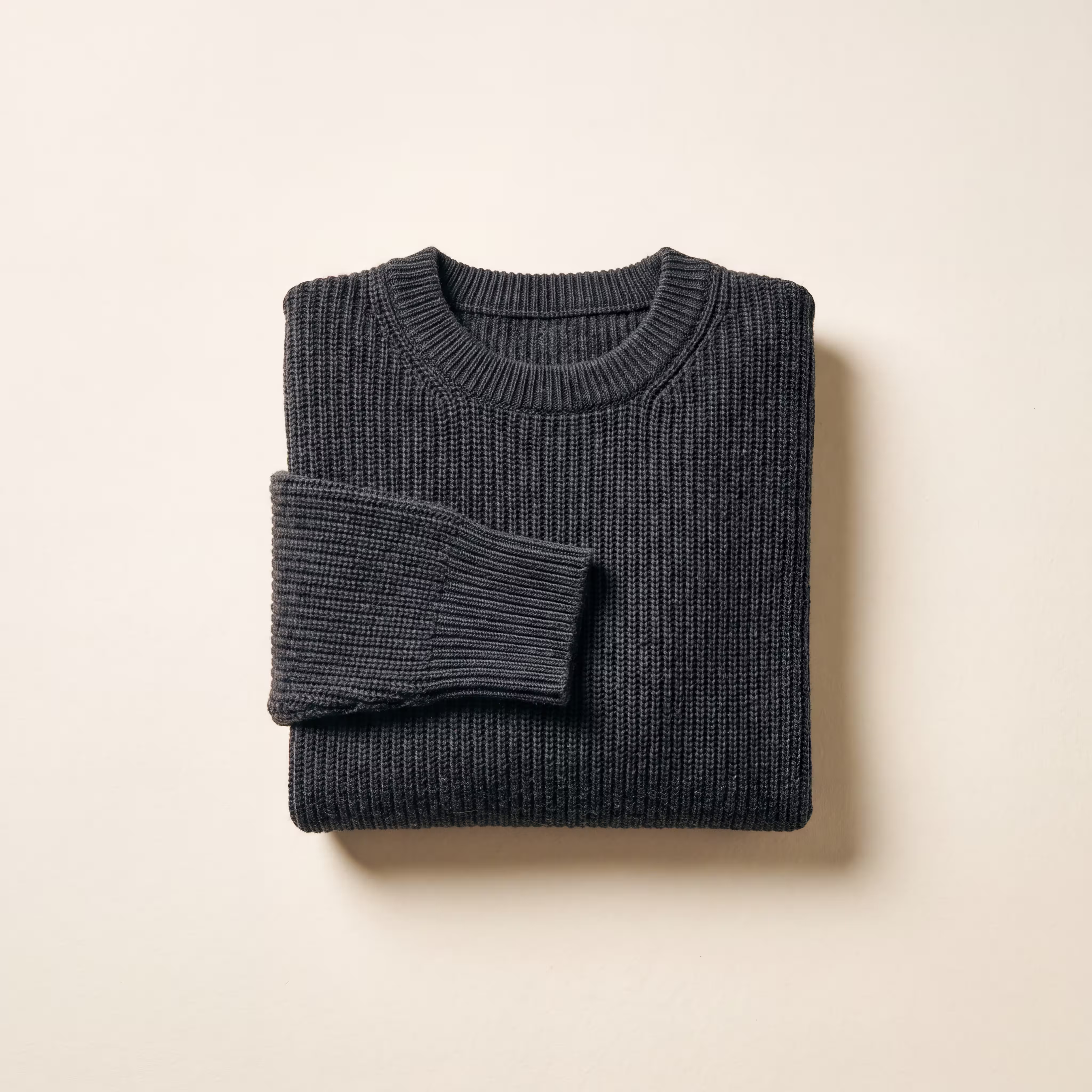
SS26_knit_flat_03.png✓
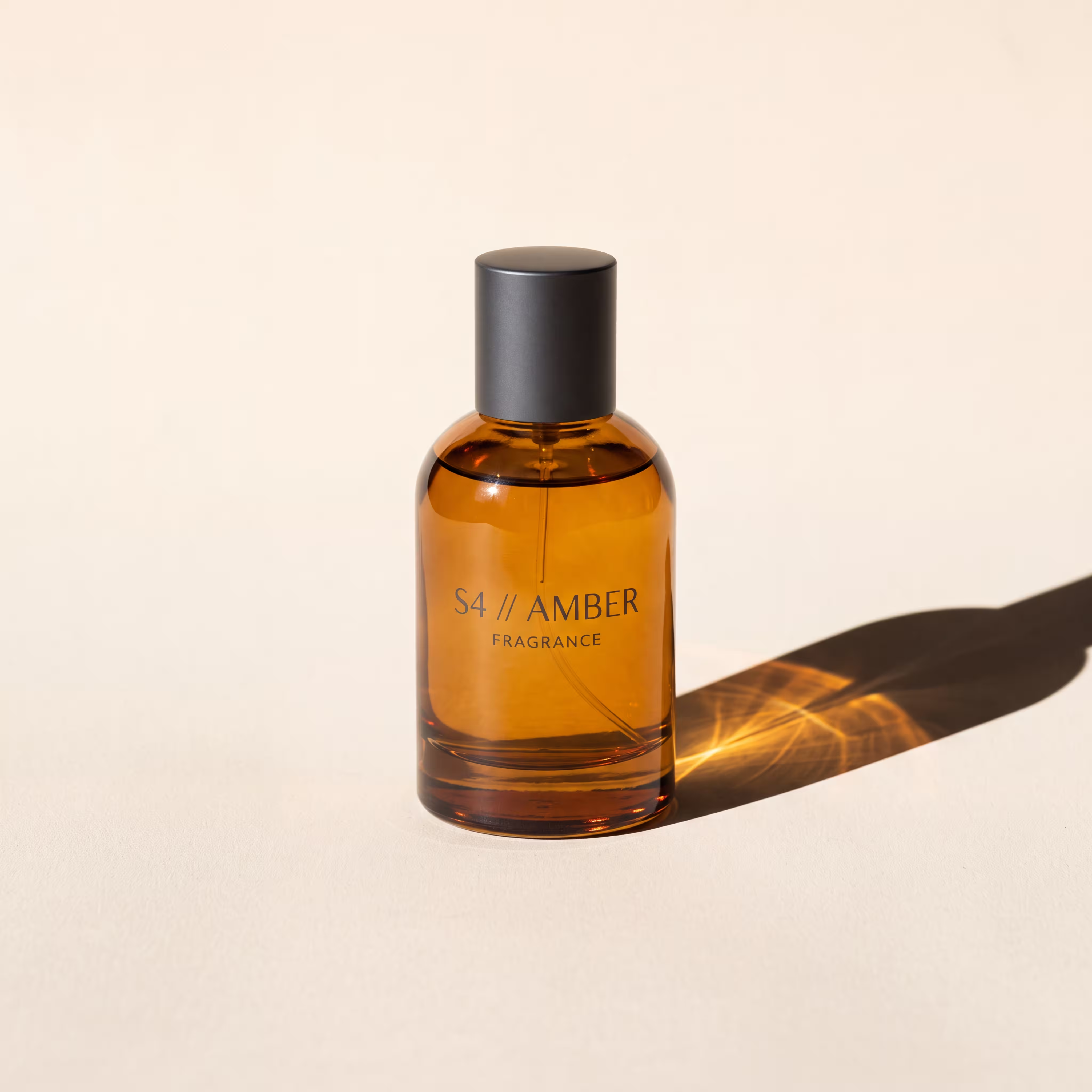
SS26_fragrance_04.png✓
SS26_vase_05.png✓
SS26_armchair_06.png✓
SS26_bag_alley_07.png✓
When a brand manager or client needs the final word, you do not export a PDF and start a thread. You add them to the approver list, and everything waiting on them appears in one place.
Run 0142 · Output 01
Sent by mckai · today
Run 0142 · Output 04
Sent by mckai · today
Run 0141 · Output 03
Sent by mckai · yesterday
Approvers sign in with a one-time link emailed to them, or set a password if they prefer. If they can use an inbox, they can use the portal. The same account also works in the app itself.
Everything waiting on a reviewer sits under Needs review with a live count. Approve or reject one at a time, from any device. When the queue is empty, the portal says so and they get on with their day.
The History tab keeps the full approval trail: who approved what, and when. No more digging through email to work out which version was signed off.
Only emails on the approver list can create an account. Your admin decides who holds a pen, and removing someone takes one edit.
A
Your admin creates an account for each team member. Shooters capture and send; reviewers approve; approvers on the client side see only the portal. Sign out from any device, and sessions survive patchy connections without dropping work.
B
Every batch is a numbered run with its own record: inputs, outputs, decisions, timestamps. In Progress shows what is rendering now; Finished keeps your history, with a configurable limit from 10 to 250 past runs.
C
Phones pair to the studio Mac with a six-digit code, once. From then on, a toggle decides where results land: on the phone for a quick look, or straight to the Mac, named and sorted for production.
D
Auto-approve for trusted workflows. Light, dark, or follow-the-system appearance. Sensible history limits. The app ships configured for your team and stays out of the way after that.
E
Product photography uploads to private storage and is only reachable through signed links that expire. No public buckets, no keys on the device, and your unreleased stock stays unreleased.
F
The rendering behind every run is a node-based workflow we build and lock to your brand: the same architecture behind our campaign work, packaged so your team can drive it with one button.
A phone for the floor and a Mac in the studio. There is nothing to install on the phone side: Batch Runner runs in the browser and can be added to the home screen like any app. Accounts are created for your team during setup.
That is the point of the setup phase. The workflow behind your runs is built against your brand guidelines and reference imagery, then locked. Every batch renders through the same architecture, which is why output 400 matches output 4.
No. The portal is a single queue with two buttons. Approvers sign in through a one-time email link, review what is waiting, and leave. Most first-time approvers clear a queue without asking a single question.
You do. Everything delivered through Batch Runner is yours for commercial use, rendered on commercially licensed, ethically sourced foundations, the same standard as all mckai production work.
Batch Runner is invite-only. The best introduction is a pilot batch: send us a handful of your product shots and watch them come back.